
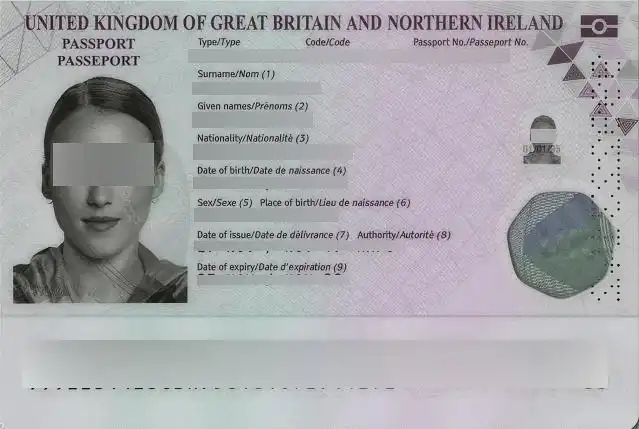
AI‑Powered Text Detection & Auto Blur Text
- •Full‑Scene Text Recognition: Accurately identifies all visible text—printed, handwritten, or digital—regardless of quantity or orientation.
- •Three Blur Types: Select the perfect style for your image: subtle Weak Blur, intense Strong Blur, or block‑based Pixelate.
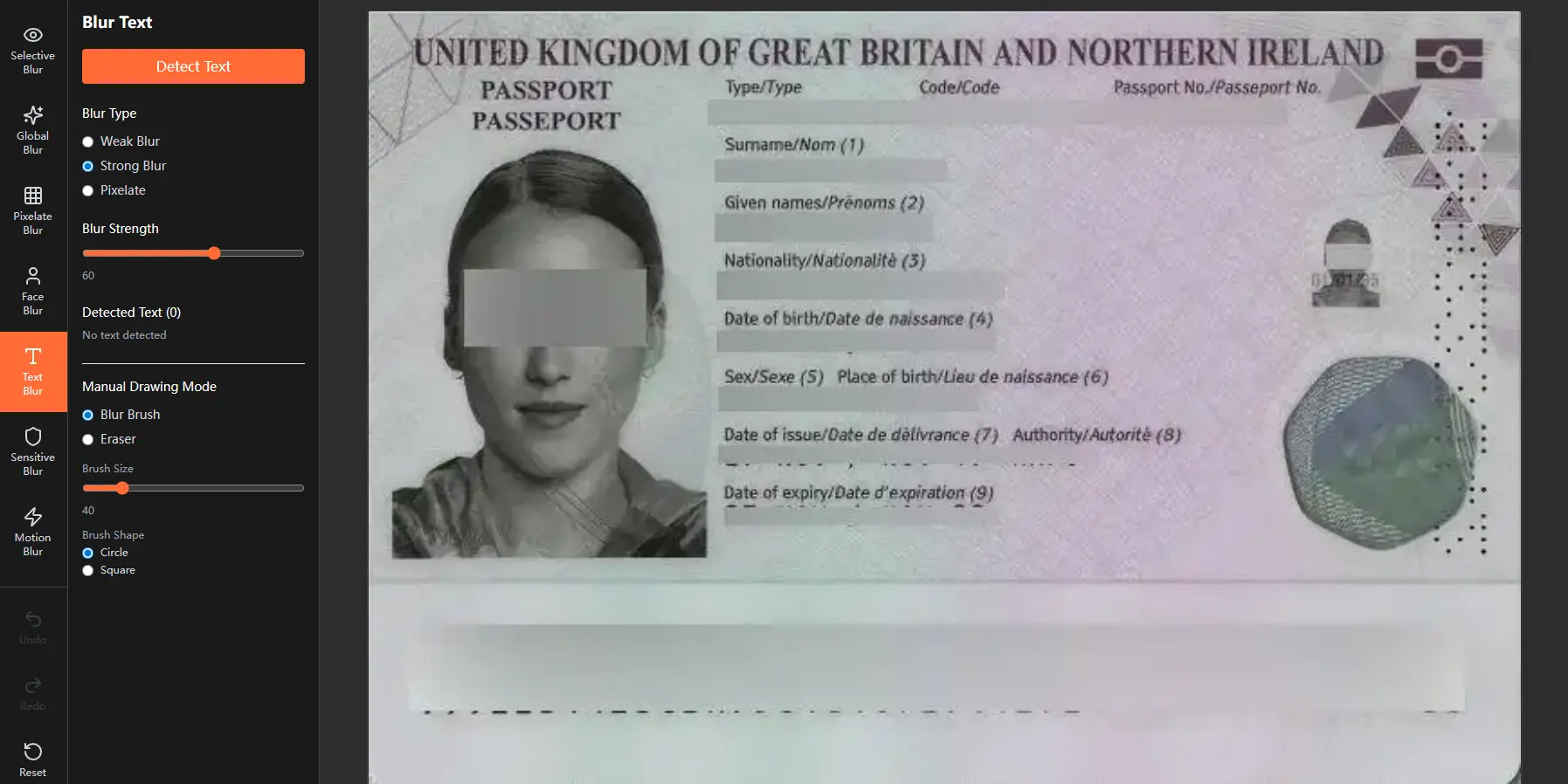
Manual Refinement Mode
- •Blur Brush: Paint additional blur over any area—ideal for covering missed text or applying custom‑strength effects.
- •Eraser Tool: Precisely remove blur from specific regions to restore original text details.
- •Brush Customization: Adjust brush size and choose between a circular or square shape for detailed manual editing.
What Makes the Blur Text Tool Powerful
Intelligent AI Text Coverage
Accurately blur text anywhere in the image, beyond predefined areas.
Adjustable Blur Intensity
Control the blur text effect from light obfuscation to full redaction.
Hybrid Auto‑Manual Workflow
Automatically blur text with AI, then refine manually for perfect results.
100% Browser‑Based & Private
Blur text locally and securely; images never leave your device.
Key Applications of this Blur Text Tool
•Blur sensitive information from documents, forms, or ID cards
•Blurring text in screenshots, social media captures, or UI mockups
•Preparing images for legal, educational, or public‑facing use
•Anonymizing personal details in photos while preserving visual context
Blur Text Tool: FAQ
What is the Blur Text Tool and how does it work?
Blur Text Tool is an AI-powered solution that automatically detects and blurs text in any image. Using advanced optical character recognition (OCR) technology, it identifies printed, handwritten, and digital text—then applies your chosen blur effect with a single click. This allows you to quickly redact sensitive information while maintaining complete privacy, as all processing happens directly in your browser.
How accurate is the text detection feature?
Our text detection achieves high accuracy across various text types, including printed documents, screenshots, handwritten notes, and digital interfaces. The AI recognizes text in multiple orientations and font sizes, though extremely stylized or low-contrast text may benefit from manual refinement using our brush tools.
What blur types are available for text redaction?
We offer three specialized blur options:
• Weak Blur: Subtle softening suitable for temporary or aesthetic text blurring
• Strong Blur: Complete text obscuration for permanent redaction
• Pixelate: Block-based blurring that prevents AI reconstruction attempts
Can I manually edit the automatically blurred text areas?
Yes. Our Manual Drawing Mode provides full control:
• Blur Brush: Add blur to any missed text areas or enhance existing blurring
• Eraser: Precisely remove blur from non-text regions
• Adjustable Settings: Control brush size (circle or square) and blur intensity for perfect results
Is the Blur Text Tool secure for sensitive documents?
Absolutely. Security features include:
• 100% Browser-Based Processing: No text data is uploaded to external servers
• Local AI OCR Processing: Text recognition occurs entirely on your device
• Optional EXIF Removal: Metadata (including any embedded text) can be stripped during export
• AI-Resistant Pixelation: Prevents reconstruction of redacted content
How do I handle complex text layouts or overlapping elements?
For challenging scenarios:
1. Let the AI perform initial text detection and blurring
2. Switch to Manual Drawing Mode for precise adjustments
3. Use smaller brush sizes for tight spaces between text and graphics
4. Toggle between blur and eraser modes to refine edges
Can blurred text be recovered after export?
No. Our blurring algorithms, particularly the pixelate option, permanently transform text data. Once processed and exported, the original text cannot be reconstructed—even with advanced AI tools—making it ideal for legal, journalistic, and compliance applications.
How does this compare to other online text blurring tools?
Key advantages include:
• Complete Local Processing: Unlike most online tools that upload your documents
• Three Blur Text Types: More options than single-blur-type alternatives
• AI + Manual Hybrid: Automatic detection with manual precision control
• Privacy by Default: No accounts required, no data storage
JFIF files? → Convert JFIF to JPG/PNG/WebP online