
Blur Image Online
Your Pixel-Perfect Control for Precise Privacy
Free, Fast, No Upload - 100% Browser-based AI Blur Image Tools
Drag & drop image here
or click to upload
(Ctrl+V to paste screenshot)
Explore More Blur Tools
JFIF files? → Convert JFIF to JPG/PNG/WebP online

Selective Blur Image
The Selective Blur tool gives you complete, hands-on control over which parts of your image stay clear and which get blurred. Whether you're hiding a sensitive detail, emphasizing a subject, or creating a depth-of-field effect, this tool lets you apply blur exactly where you want it - with professional-grade precision.
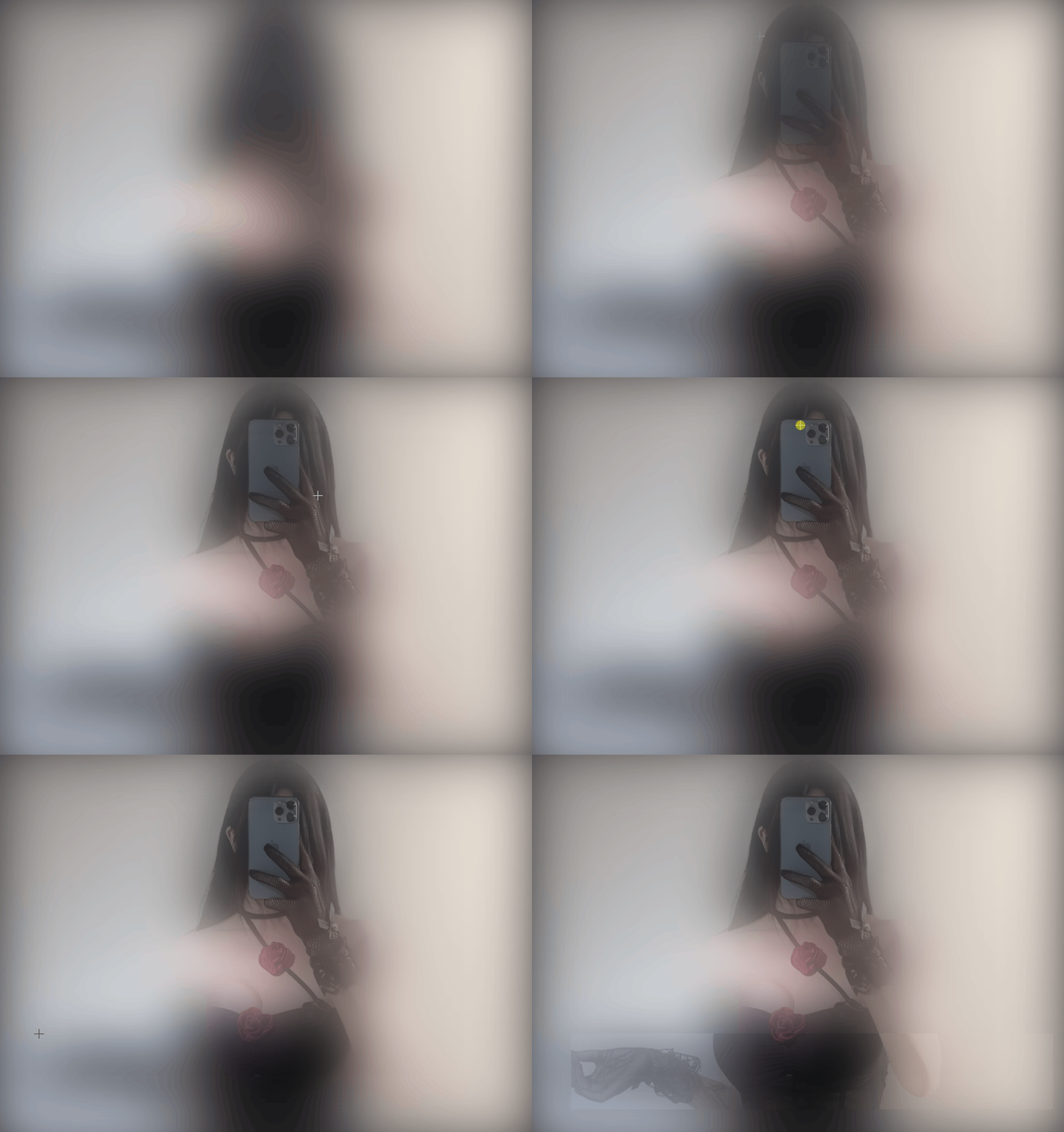
Global Blur Image
The Global Blur Image tool instantly applies a unified blur across your entire photo with a single click. You can then use the Eraser and Blur modes - each with adjustable shape, strength, and hardness - to selectively restore clarity or add secondary blur in specific areas. Combined with adjustable global intensity, iteration levels, and overlay opacity, this enables precise, non-destructive edits ideal for depth-of-field effects and personalized visual control.
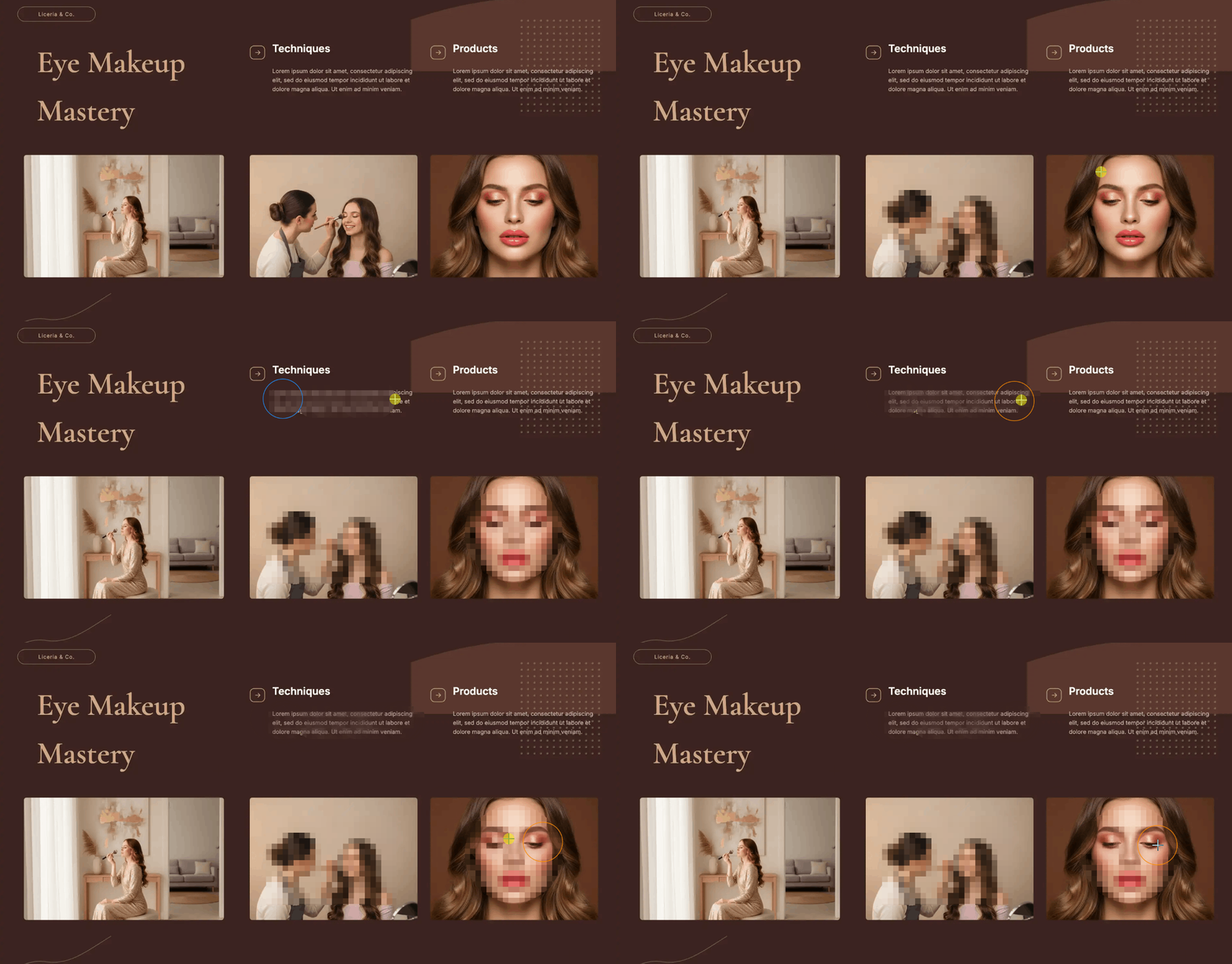
Pixelate Blur Image
The Pixelate Blur Image tool applies a block-based pixelation effect that turns selected areas into uniform squares. You can apply pixelation to the entire image, paint it with a brush, or define rectangular/circular areas for selection. Dedicated restore tools let you erase pixelation with precision using either a brush or shape-based selections. Full control over pixel size, brush size, and application mode ensures your editing is both efficient and highly accurate.

Blur Faces
The Blur Faces tool automatically detects every face in your image using advanced AI and applies your chosen blur effect in one click. Go beyond automation with Manual Drawing Mode, where you can add extra blur to specific areas or erase blur with precision.
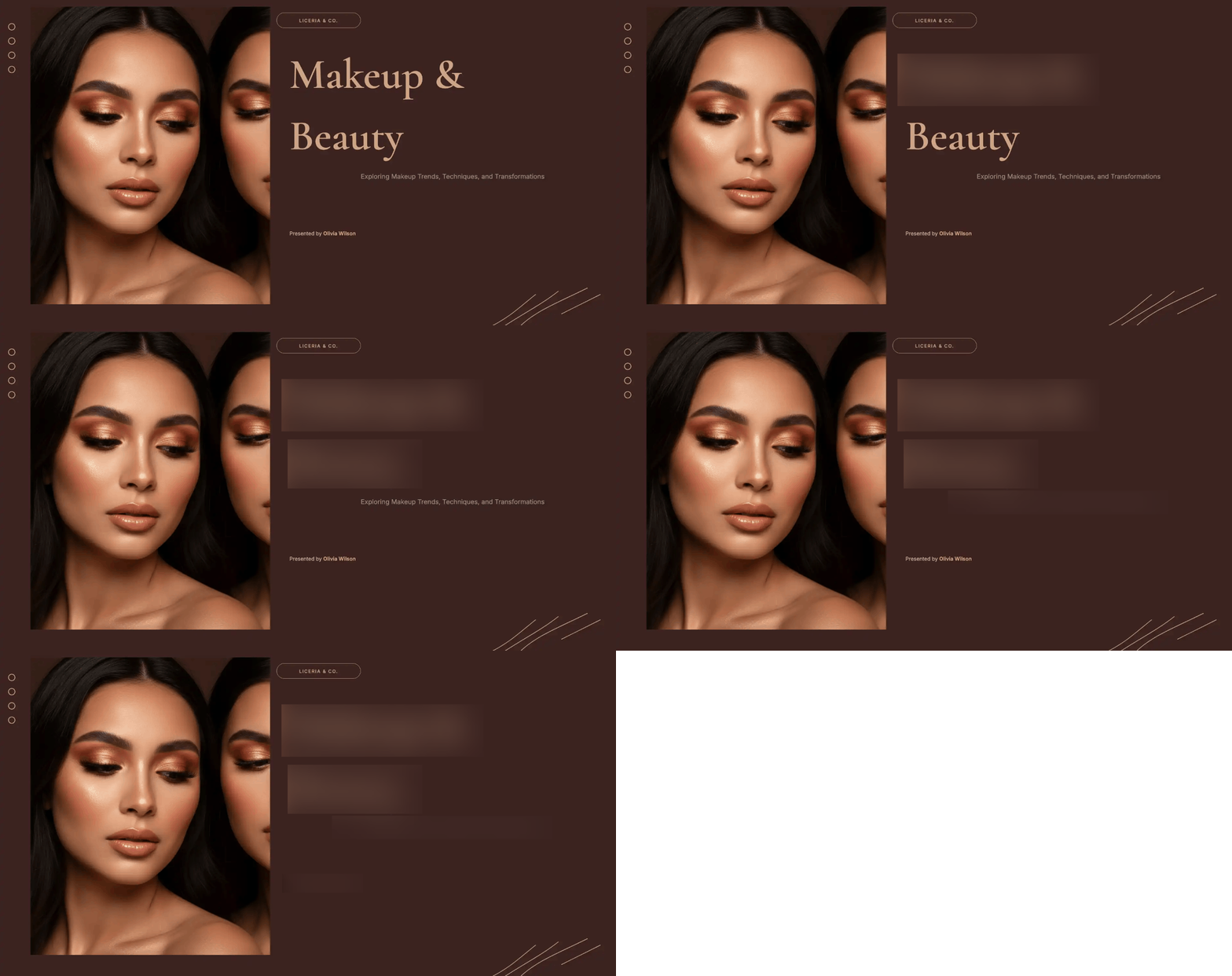
Blur Text
The Blur Text tool uses advanced AI to automatically find and blur every piece of text in your image. Choose from three distinct blur styles to match your privacy or aesthetic needs, then refine the results with manual brush and eraser tools for pixel-perfect control.
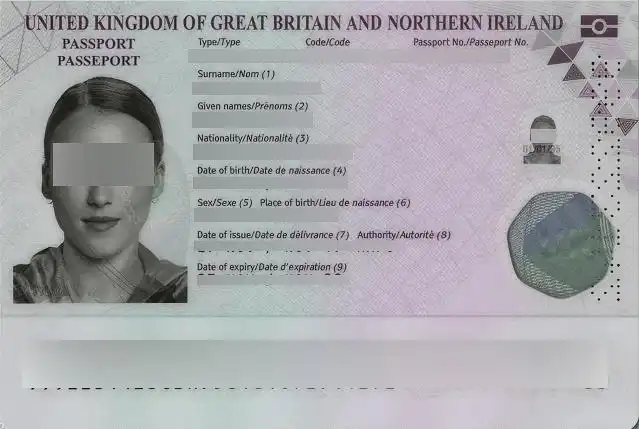
Blur Sensitive Info
The Blur Sensitive Info tool automatically detects and obscures private content - such as credit card numbers, addresses, or personal identifiers - using intelligent AI. Choose between smooth Gaussian or block-based Pixelate blur styles, then refine the results manually with adjustable brush and eraser tools.
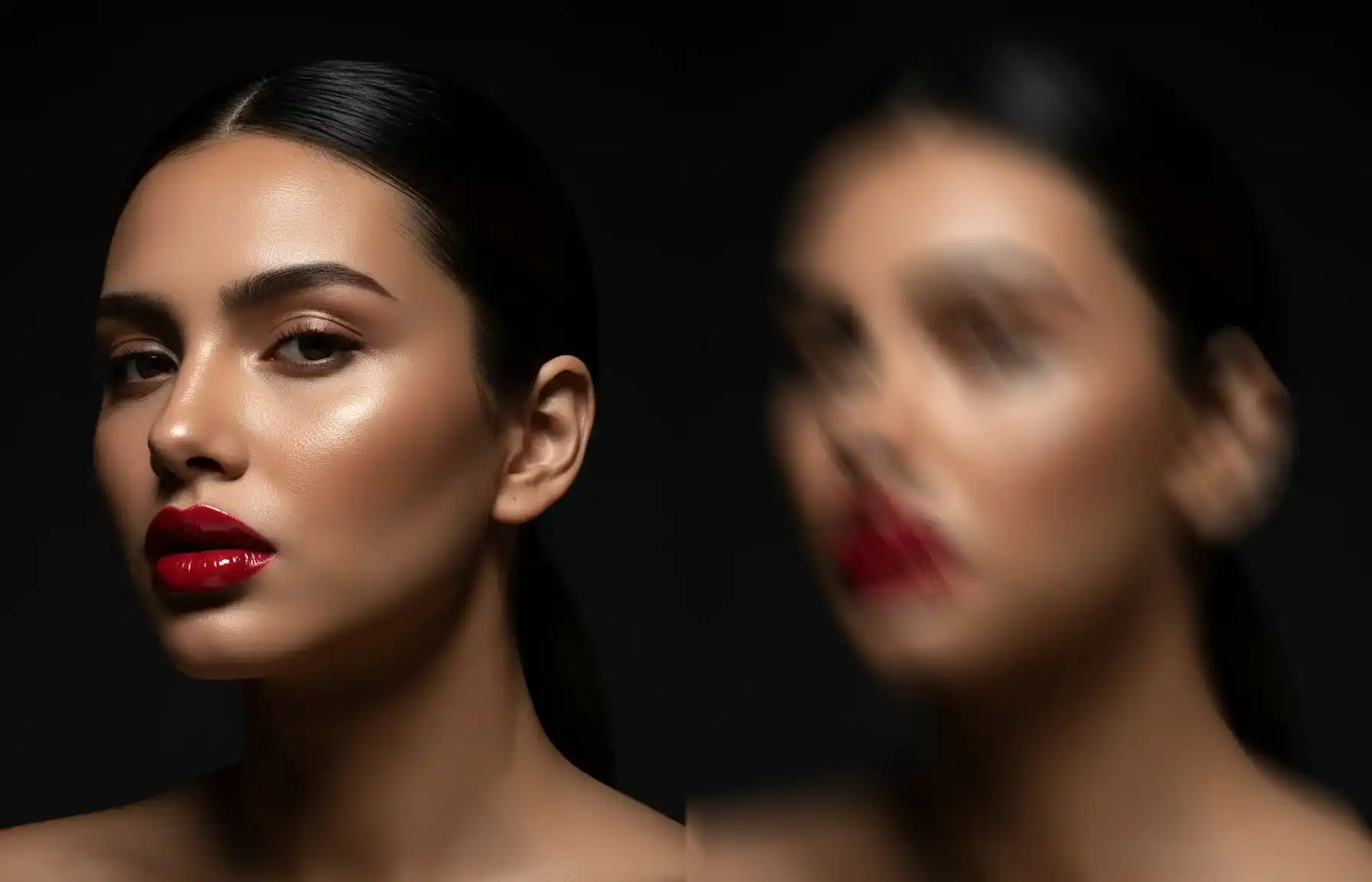
Motion Blur
The Motion Blur tool lets you simulate movement and add artistic motion effects to any part of your image. By adjusting the angle and distance of the blur, you can create anything from subtle directional softening to high-speed streaking - perfect for emphasizing action, adding energy to static scenes, or achieving professional motion-graphic looks.
Why Choose Our Blur Image Tool?
Because Privacy Shouldn't Be Compromised.
In a world where most online editors store your images on remote servers and basic blur filters can be easily reversed, we built a solution that protects both what you see - and what you don't.
Two Unbeatable Privacy Guarantees
- •AI Cannot Reverse Our Blur
- •EXIF Data Automatically Removed
Professional Results in Seconds, Not Minutes
- •One-Click AI Detection
- •Real-Time Preview & Non-Destructive Editing
- •Seven Specialized Tools
Control Where It Matters
- •Hybrid AI + Manual Workflow
- •Multiple Blur Styles Per Tool
- •Full Parameter Customization
How to Use Our Image Blur Tool: A Simple 3-Step Guide
Open & Upload
Go to blur-image.org in any modern browser (Chrome, Firefox, Safari, Edge). Upload your image by dragging & dropping a file or clicking "Choose Image".
Choose Your Blur Tool & Edit
Select the right tool for your task from our 7 specialized blur options.
Save & Export
Once satisfied, click "Export". Choose your preferred format: JPG, PNG, or WebP. EXIF Metadata: Before saving, you will see an option to remove EXIF metadata. This is checked by default for privacy, but you can choose to keep it if needed.
Blur Image Tool: Frequently Asked Questions
Get answers to common questions about our blur image tool